
Security Camera Installation in Big Rapids, MI: What a Job Looks Like
Published November 3, 2026 by the FineLine Low Voltage Solutions team
Most people who call us about Security Cameras in Big Rapids have already tried something. Usually it is a couple of battery cameras that worked fine in July and started missing clips by November, or a Wi-Fi doorbell that drops off every time the router hiccups. They want something they can stop thinking about.
This post walks through how our team actually does a camera job around Big Rapids, from the first visit to the day we hand you the phone app. If you are comparing quotes, it should also help you ask better questions.
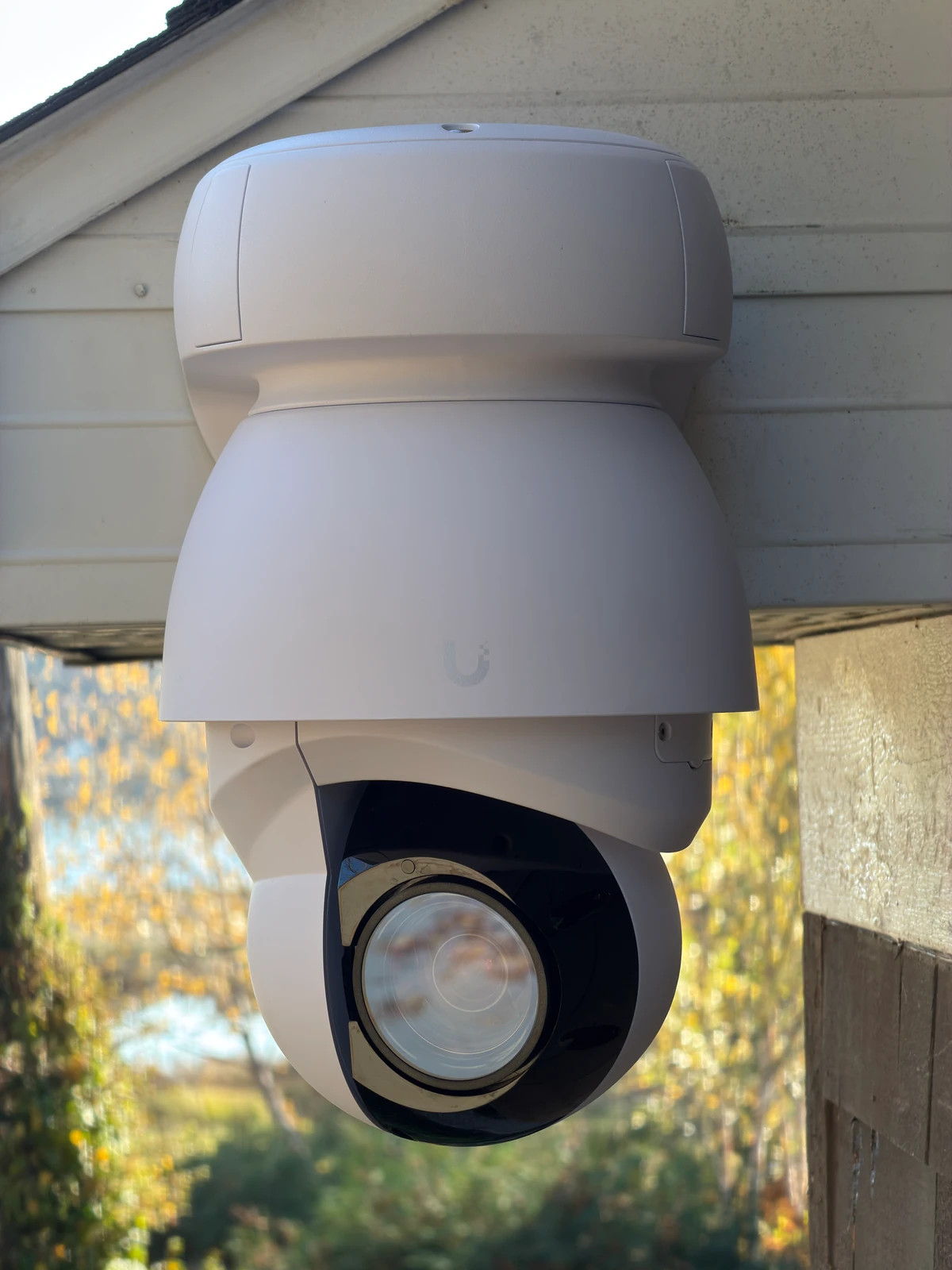
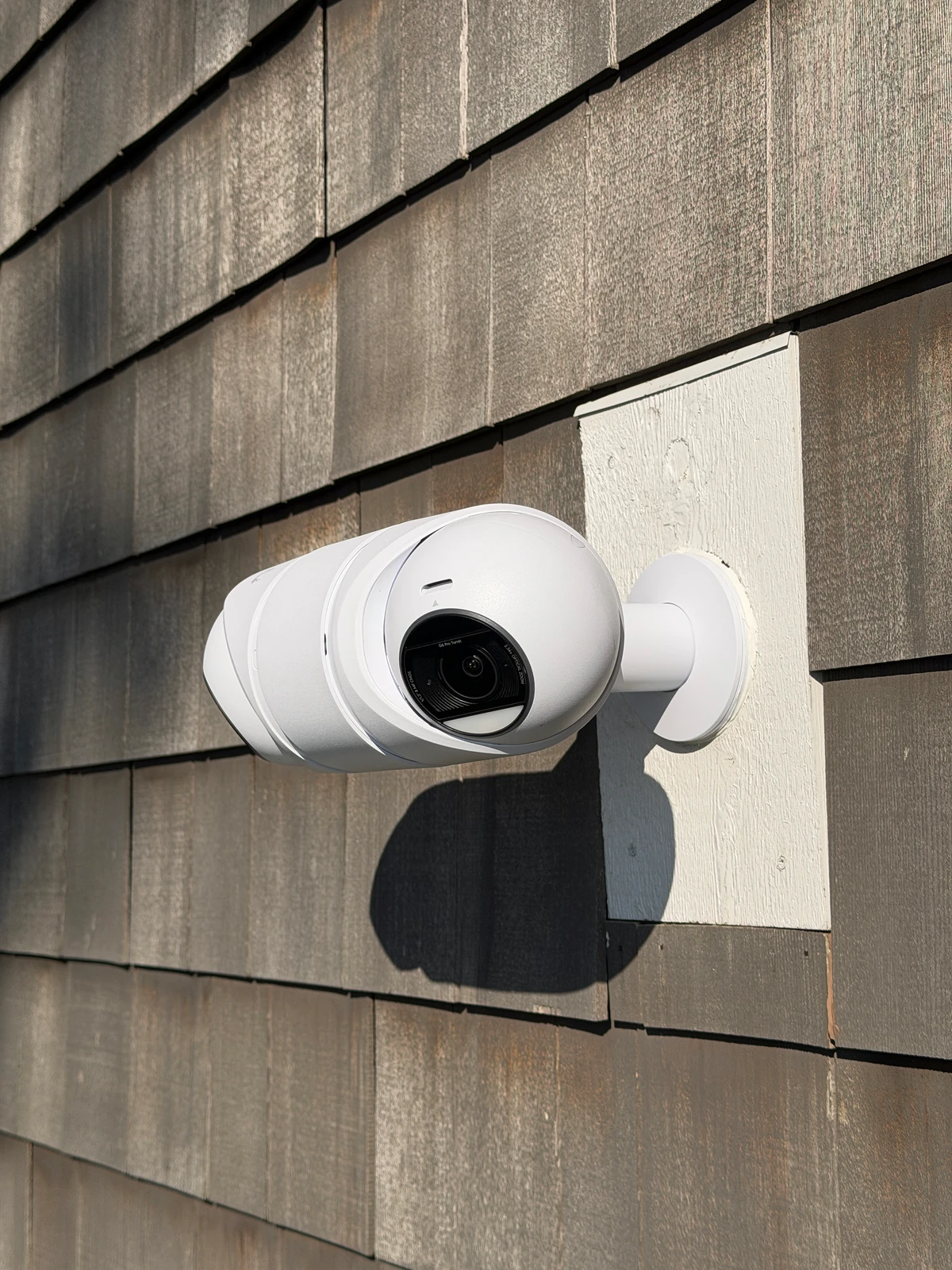
It starts with a walk around the property
We do not quote cameras off a satellite photo. On the first visit we walk the outside of the house or building with you and ask one question at each spot: what do you need to see here, and how clearly?
That answer changes the camera. Seeing that a car came up the driveway is easy. Reading the plate or seeing who got out is a different job, and it means a camera placed closer to where the car stops, not one bolted to the corner of the garage pointed at everything. Most homes in town end up with four to six cameras. Farms and lake places usually need more, because there is more ground and more buildings.
We also look at what is inside: where the internet comes in, whether there is a basement or attic we can run cable through, and where a recorder can sit without overheating in a closet.
Why we hardwire every camera
Every camera we install gets its own Cat6 cable back to a PoE switch. That one cable carries power and video, so there are no batteries and no outlets on the outside of the house.
Wired cameras do not care how busy your Wi-Fi is, and they do not lose a week of footage because a battery died in a cold snap. Around here that matters. A January night on the Muskegon River is hard on anything running off a battery.
If the camera has to go somewhere a cable cannot reach easily, like a barn a few hundred feet out, we bring the network there first with buried cable or a point-to-point wireless link. Our post on rural property Wi-Fi covers how that part works.
Where the video goes
Video records to a recorder on site, usually a UniFi unit sitting next to the switch. If your internet goes out, the cameras keep recording. When it comes back, you can scroll through what you missed.
How long footage is kept depends on how many cameras you have, their resolution and the size of the drive. A typical home system keeps a few weeks. If you need longer, a bigger drive is cheaper than a monthly cloud plan, and there is no monthly fee from us to view or keep your own video.
Install day
A home system is usually a one-day job for our team. We mount cameras on junction boxes or mounting blocks so the cable is not exposed, seal every hole through the wall, and keep runs inside the house or tucked under soffits where you will not see them.
Older homes near downtown Big Rapids take a little more planning, since plaster walls and balloon framing change how cable gets from the basement to the eaves. We work that out on the walkthrough so there are no surprises on install day.
The part people skip: setting it up to be useful
A camera system that sends forty alerts a day gets ignored. Before we leave, we set motion zones so the driveway alerts you when a car pulls in but the maple tree out front does not. We add the people who need access, show you how to pull a clip and share it, and check that night video is clear on every camera.
Then we leave you alone for a week. Most people have a question or two once they have lived with it, and we would rather adjust a zone than have you turn alerts off.
What it costs to plan for
Price depends mostly on the number of cameras, how hard the cable runs are and whether any building needs its own network link. We give you an itemized written quote after the walkthrough. Our cost guide explains what moves the number up or down.
Beyond Big Rapids
We are based in Big Rapids, and the same process applies to lake homes on Horsehead Lake, Chippewa Lake, Tri Lakes and Canadian Lakes, to offices and rentals in Mount Pleasant, and to cabins around Cadillac. See our Security Cameras page for the equipment we use.
Frequently asked questions
How long does a camera install take?
Most home systems take our team one day. Larger properties with outbuildings can take two or more.
Do the cameras keep recording if the internet goes down?
Yes. Video records to a recorder on site. You only need internet to watch remotely.
Can you add cameras to a system later?
Yes. We leave spare switch ports and plan the recorder so adding a camera later is a short visit.