
Your Internet Provider Stops at the Door: Fixing Wi-Fi Dead Spots in West Michigan
Published October 29, 2026 by the FineLine Low Voltage Solutions team
Around Big Rapids and across West Michigan, homes and businesses get their internet from providers such as Spectrum, Point Broadband (formerly Casair), Truestream, Starlink and T-Mobile Home Internet. Each of them does the same core job: they deliver an internet connection to your property, usually to a modem, a gateway or a single router in one room. That is where their responsibility ends, and it is where many Wi-Fi problems begin.
A strong connection at the modem does not guarantee good Wi-Fi in the back bedroom, the basement office, the deck or the pole barn.
"It's nothing on our end"
A common story we hear goes like this. Video calls freeze in one part of the house, the smart TV buffers upstairs, or the cameras on the garage keep dropping offline. The customer calls their provider, the provider runs a test to the modem, the line looks healthy, and the answer is that it is nothing on their end.
In many cases that answer is accurate. The provider is measuring the connection they deliver, and it is working. The problem is inside the property: one router trying to cover too much space, a signal passing through brick, plaster, ductwork or metal siding, an extender repeating a weak signal, or too many devices sharing one crowded network. Those issues sit between the modem and your devices, and fixing them is the work our team does every day.
Why one router is rarely enough
Wi-Fi signal weakens with distance and with every wall, floor and appliance it passes through. Ranch homes with long footprints, older homes with plaster walls, lake homes with lower levels and homes with additions often have a strong spot near the router and weak spots everywhere else. Plug-in extenders and mesh units placed on a shelf can help a little, but most of them send data wirelessly back to the main router, which cuts speed and adds dropouts the farther you go.
What our team does after the provider
Whole-property coverage planning. We start by walking the property with you. We look at where people actually use their devices, how the building is constructed, where the internet enters and where equipment can be mounted. Then we plan coverage for the whole property, inside and out, instead of guessing.
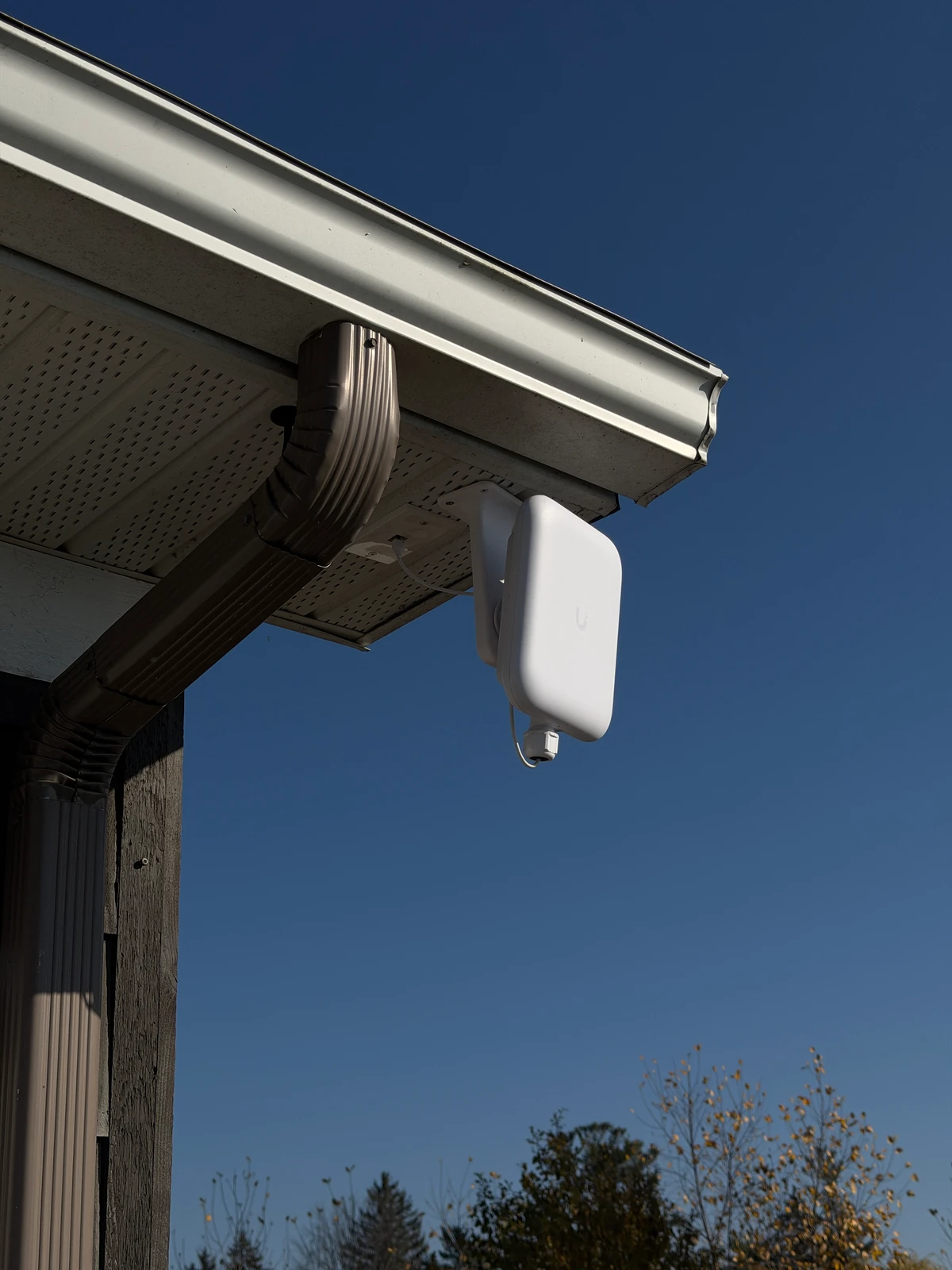
Access point placement. Instead of one router in a corner, we install access points where they will cover the space, usually on ceilings in central locations. Each one is placed for even coverage and so your phone moves between them without dropping a call.
Wired backhaul. We connect each access point with a network cable back to a central switch. That cable carries both data and power, so every access point delivers full speed instead of repeating a weaker signal. Where a cable run is not practical, we plan the best alternative.
Secure VLANs. We separate the network into sections. Your computers and phones stay on the main network, Security Cameras get their own section, guests get internet access without seeing your devices, and smart devices such as TVs, thermostats and speakers are kept apart. This adds security and keeps one busy group of devices from slowing down another.
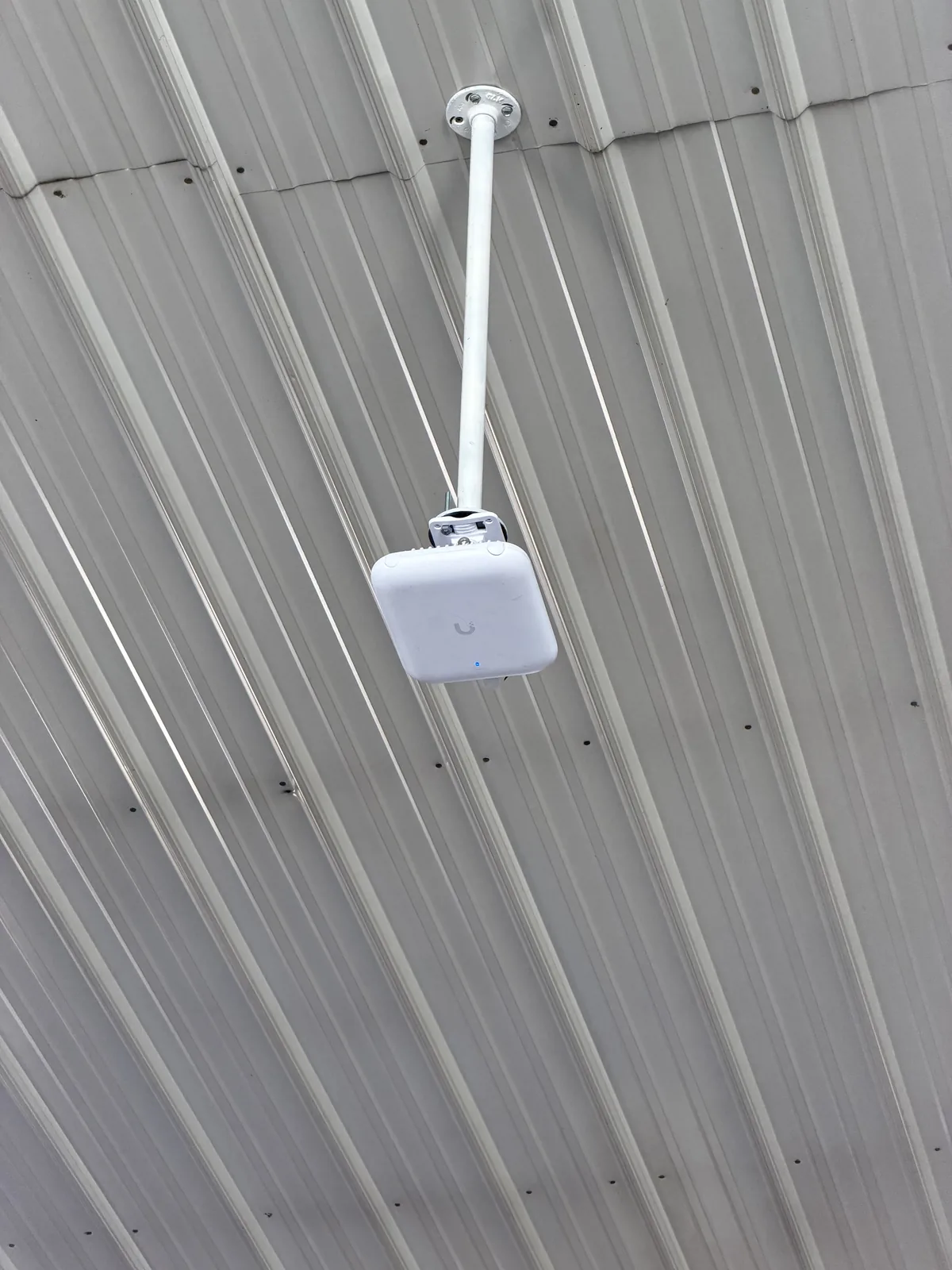
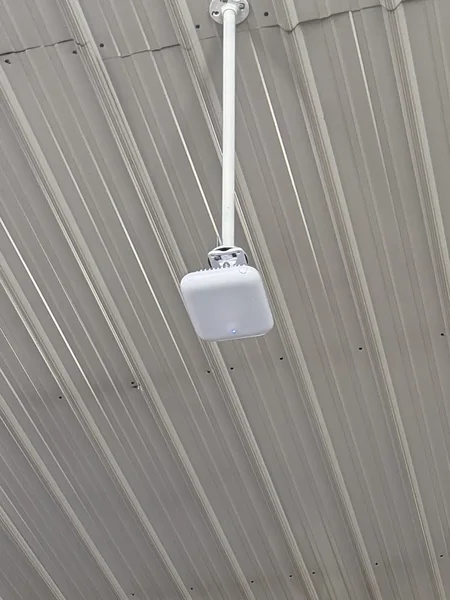
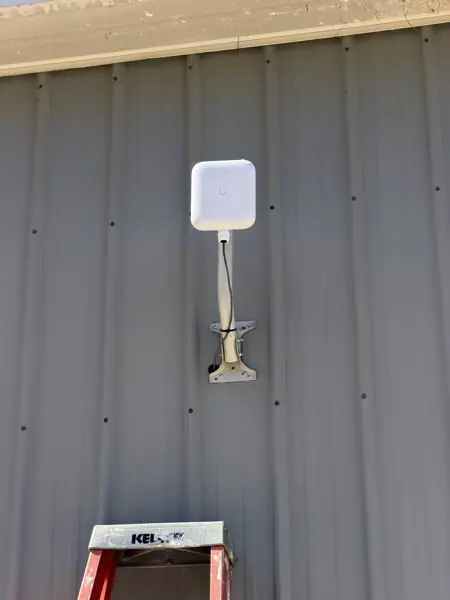
Outbuildings and barns. Detached garages, shops, pole barns and guest cabins rarely get usable Wi-Fi from the house. We bring a real connection to each building with a buried cable or a point-to-point wireless link, then install an access point inside. In our pole barn shop Wi-Fi project, an access point on a drop mount covers the floor of a metal building that blocked signal from outside. Our rural Wi-Fi and point-to-point guide explains these links in more detail.
Ongoing support. After the install, we walk you through the system and remain available if something changes, such as a new building, more cameras or a change of internet provider. Because the network is built around standard equipment, it keeps working if you switch providers later.
Working alongside your provider
Our work does not replace your internet service. We connect to the modem or gateway your provider supplies and build the network from there. If a problem turns out to be with the incoming line, we tell you what we found so you can give your provider clear information. Many of our customers keep the same provider and simply get much better coverage from the connection they already pay for.
Signs your network needs more than a new router
- Speed tests are strong near the modem and poor in other rooms.
- Video calls or streaming drop in the same spots every day.
- Security Cameras or a doorbell lose connection at the edges of the property.
- You use several extenders and still have dead spots.
- A shop, barn or detached garage has no usable Wi-Fi.
- Guests, smart devices and work computers all share one network.
If any of these sound familiar, the fix is usually inside the property. Our networking installation service covers the cabling and equipment, and our Security Cameras service uses the same network for reliable recording.
Get a free estimate
We serve homes, farms, lake homes and businesses in Big Rapids, Canadian Lakes, Mount Pleasant, Cadillac, Rockford, Cedar Springs and surrounding areas. Tell us where the dead spots are, what buildings need coverage and which provider you use, and our team will plan a Wi-Fi installation that covers the whole property. Call or text us, or request a free estimate below.
Frequently asked questions
Do I need to change internet providers to fix dead spots?
Usually not. Most dead spots are caused by coverage inside the property, and we build the network from the modem or gateway your current provider supplies.
Why does my provider say the problem is not on their end?
Providers test the connection they deliver to the modem. If that line is healthy, the problem is often inside the property, such as router placement, building materials or extenders.
Can you bring Wi-Fi to my pole barn or detached garage?
Yes. We connect the building with a buried cable or a point-to-point wireless link and install an access point inside.
What is a VLAN and why would I want one?
A VLAN separates your network into sections, so Security Cameras, guests and smart devices are kept apart from your main computers and phones for better security and performance.