
Wi-Fi for Pole Barns and Shops Around Big Rapids and Cadillac
Published October 29, 2026 by the FineLine Low Voltage Solutions team
Around Big Rapids and Cadillac, a pole barn or shop is often where the real work happens. It holds the tools, the equipment, the project truck and sometimes a small office. It is also the building where the phone shows one bar of Wi-Fi or none at all. Music cuts out, a parts lookup stalls, a security camera goes offline and a call drops halfway through. Our team fixes that by giving the barn its own connection and its own access point, so the shop works as well as the house.
The fix is rarely a stronger router in the house. It is a planned network that reaches the building and then covers the space inside it.
Why Wi-Fi from the house does not reach the shop
Wi-Fi is a short-range radio signal. It loses strength with distance and with everything it passes through, including walls, trees, vehicles and stored equipment. Metal is the biggest problem. Steel siding and steel roofing reflect and block most of the signal coming from outside, so even a barn 100 feet from the house can sit in a dead zone.
Plug-in extenders and mesh units placed in a window or on the barn wall try to repeat that weak signal. They often connect, but speeds are low and the connection comes and goes, especially when the barn door closes or the weather changes. The reliable answer is to bring a real network connection to the building first, then put an access point inside.
Step one: connect the building
There are two common ways to get the network out to a pole barn, and the right one depends on distance, the ground and what sits between the buildings.
Buried Ethernet. Where trenching is practical, network cable in conduit is the most dependable link. A single Ethernet run is limited to about 328 feet (100 meters), so we plan each run to stay within that distance. If you are already trenching for power or water, it is often worth adding conduit for network cable at the same time.
A point-to-point wireless link. When the barn is farther out, or trenching is not practical, we use two outdoor radios aimed at each other, one at the house and one at the barn. The focused beam carries a fast, stable connection much farther than Wi-Fi can reach, with no trench. On a large ranch property, our team used radios on a central mast to connect several buildings across the land. Our rural Wi-Fi and point-to-point guide covers how these links work and why line of sight matters.
Step two: cover the floor from the ceiling
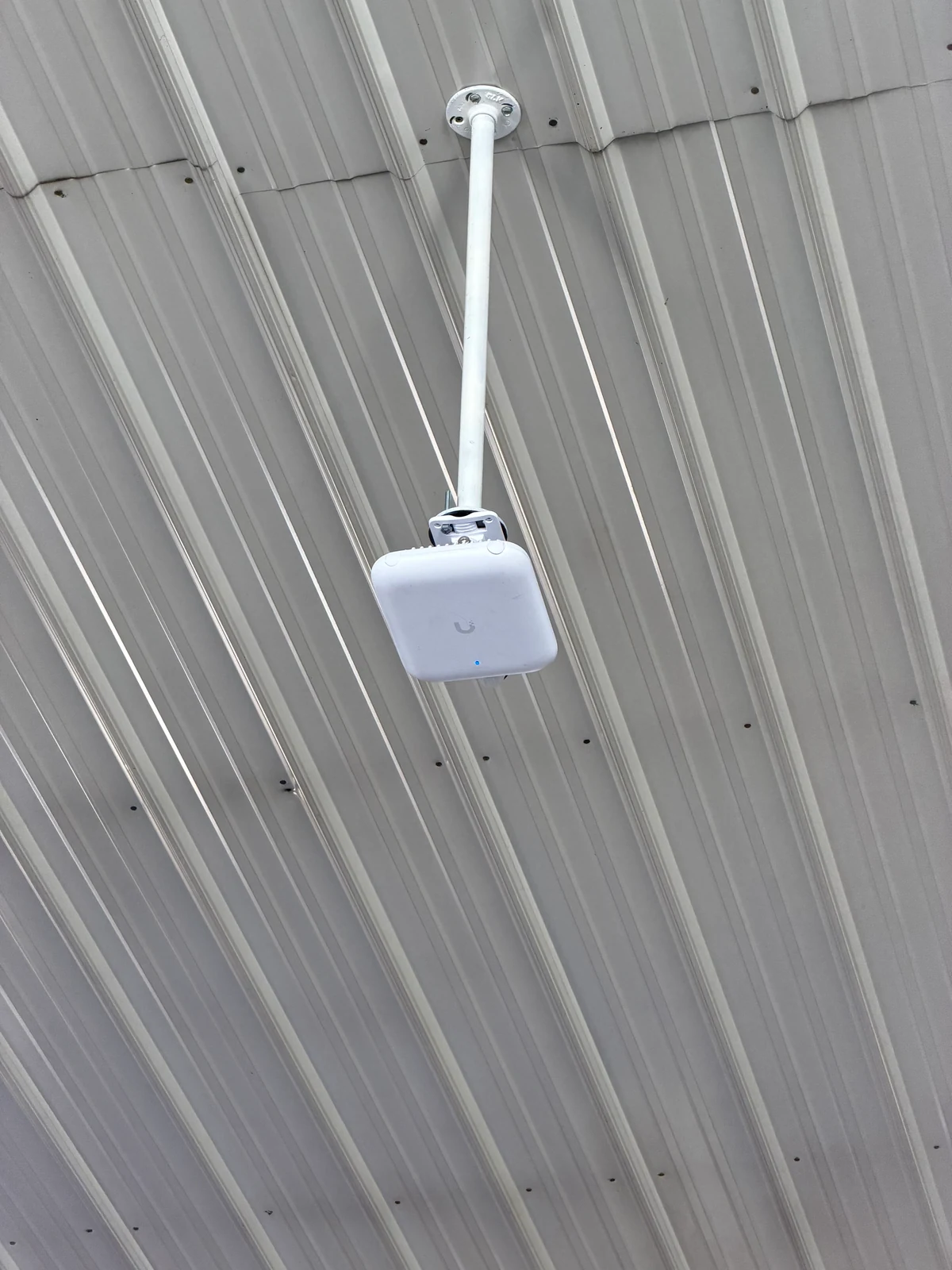
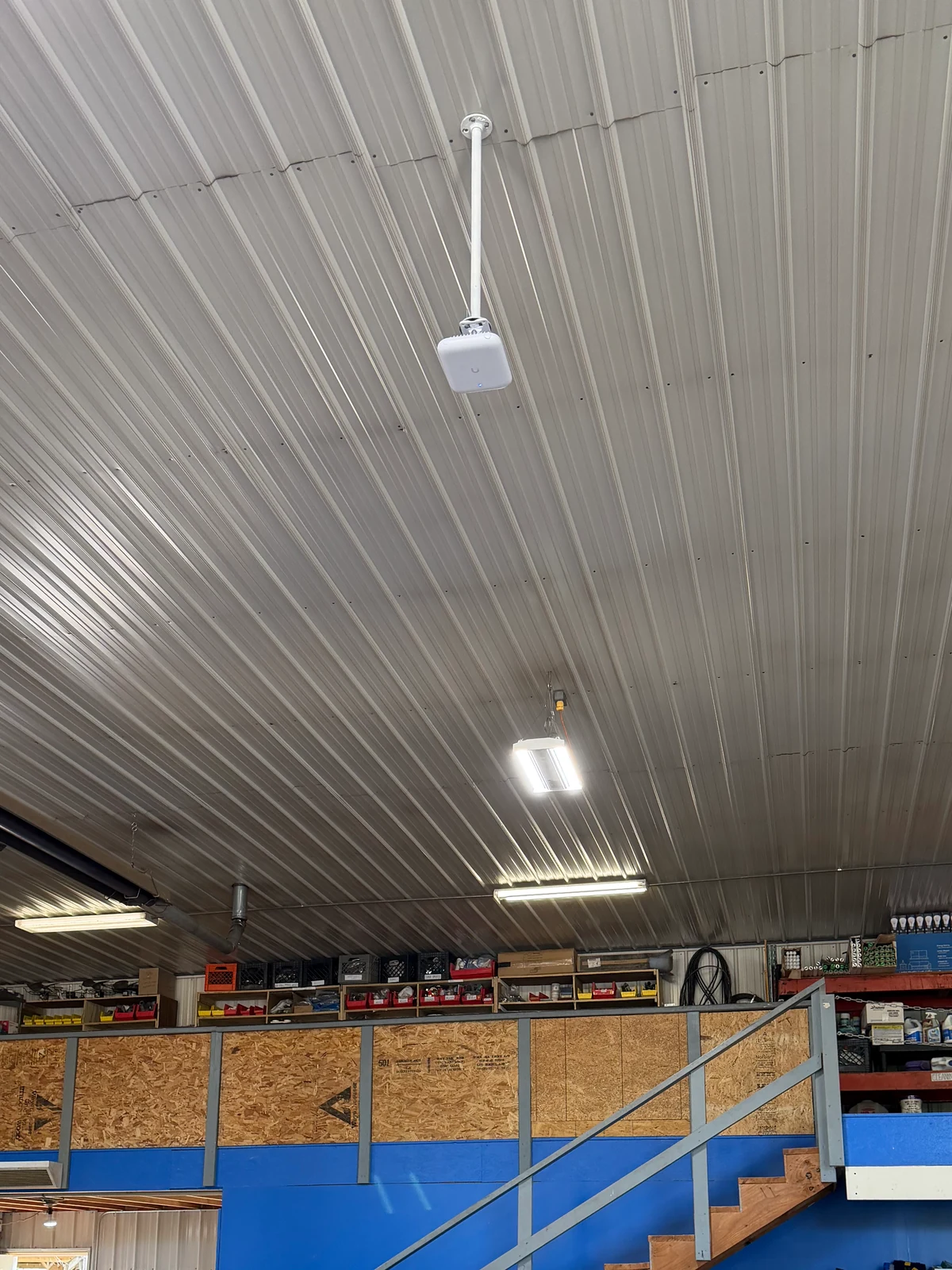
Once the connection reaches the barn, the access point goes inside, where the metal walls work for you instead of against you. Placement matters as much as the hardware. Mounted high in a corner or tight against a steel purlin, an access point leaves weak spots at the far end of the building. Mounted near the center and lowered from the ceiling, it covers the floor evenly.
In our pole barn shop Wi-Fi project, we installed a UniFi U7 Pro Outdoor access point on a drop mount, lowered from the ceiling and centered over the floor. One run of outdoor-rated Cat6A cable carries both data and power to it, so there is no outlet needed at the ceiling. The outdoor-rated access point handles the dust, temperature swings and humidity that come with an unheated or partly heated building.
Planning around the way the shop is used
Before we quote, we walk the building and ask how you use it. A few details shape the design:
- Size and layout. A single open bay often needs one access point. A building with a loft, an enclosed office or a wash bay may need a second.
- What is stored inside. Equipment parked under the access point, metal shelving and tall stacks of material can block signal, so we place around them.
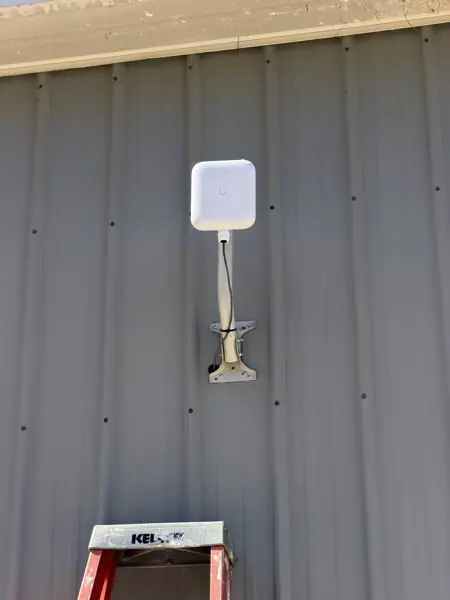
- The yard outside. If you want coverage at the barn door, the lot or a nearby pasture gate, an outdoor access point under the eave can extend Wi-Fi outside the building.
- Devices. Phones, a shop laptop, a TV, a speaker, a diagnostic tablet and smart equipment all have different needs. We size the system for what you actually use.
One network for the house, the barn and the yard
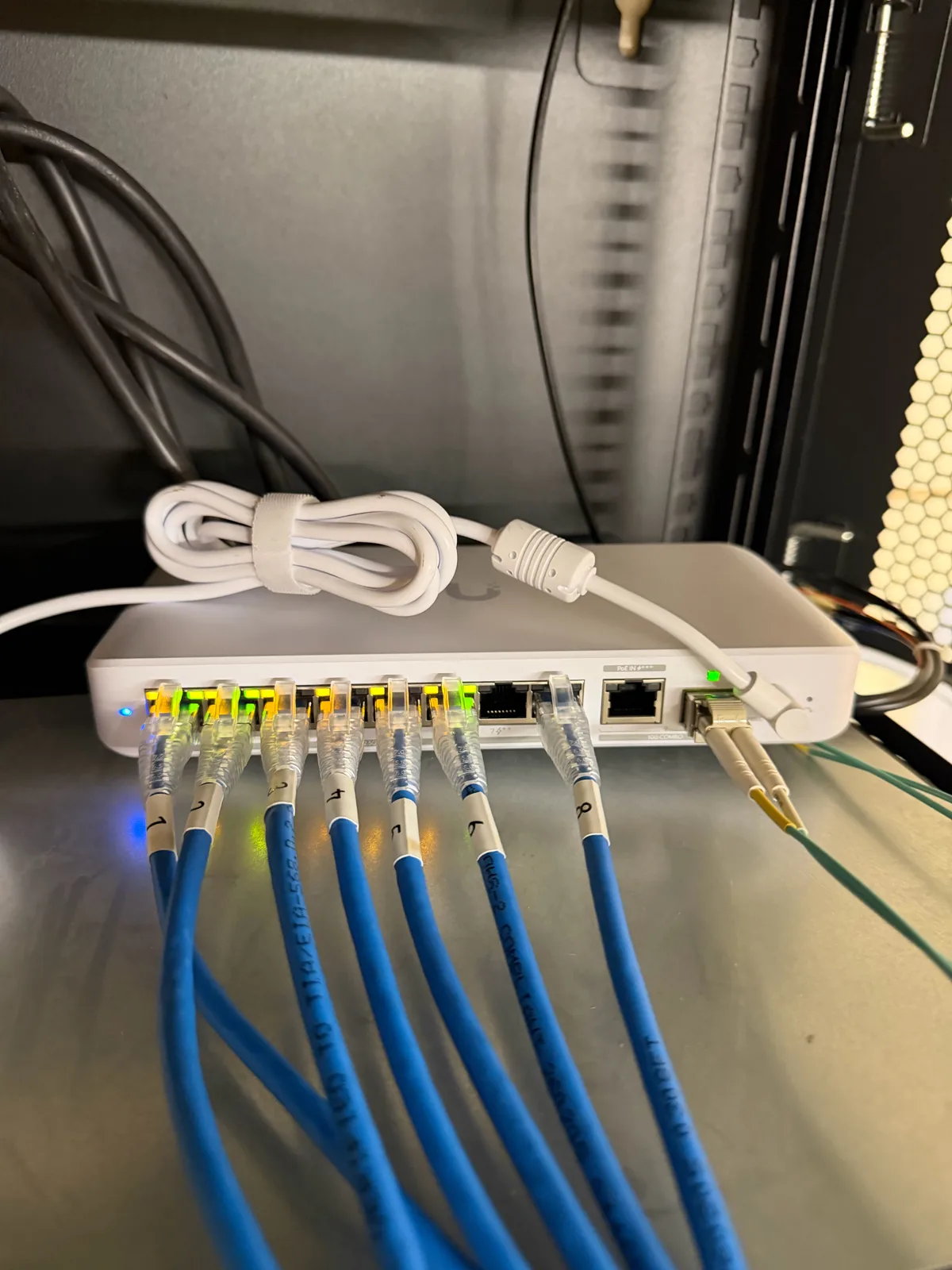
Because the barn joins the same network as the house, your phone moves between them without switching networks or signing in again. The whole system is managed from one app, so we can check on it, adjust it and add to it later.
We can also separate the network into sections. Shop devices, guests and Security Cameras each get their own section, so a visitor on the guest Wi-Fi cannot see your cameras or computers. That keeps the network organized and more secure as more devices are added.
Adding Security Cameras and more at the barn
Once the network reaches the building, it can carry more than Wi-Fi. Many owners add Security Cameras on the barn to watch the doors, the equipment and the driveway, wired with the same single-cable power and data. Our Security Cameras service and our security camera guide explain how those systems record on site. A keypad or intercom at a gate, or a phone in a farm office, can run on the same connection. See our gate access guide for that side.
Built for Michigan weather
Outdoor cable, radios and mounts at a barn deal with snow load, ice, wind and summer storms. We use outdoor-rated cable and equipment, seal every entry through the wall and add surge protection on outdoor runs where it makes sense. If the barn needs a new outlet or circuit for a radio or network cabinet, that work is done by an electrician before we install, and we are glad to coordinate with yours.
Getting a quote
Helpful details to share: how far the barn or shop is from the house, what sits between them, whether the building has power, its size, and what you want working inside. A photo of the inside of the building helps too.
Our team handles pole barn and shop Wi-Fi around Big Rapids, Canadian Lakes, Mount Pleasant, Cadillac, Rockford, Cedar Springs and surrounding areas. Estimates are free, and our cost guide covers what affects price. Call or text us, or request a free estimate below.
Frequently asked questions
Why is there no Wi-Fi in my metal pole barn?
Steel siding and roofing block most Wi-Fi signal from outside. An access point inside the building, connected by cable or a wireless link, fixes it.
How far can buried network cable reach?
A single Ethernet run is limited to about 328 feet (100 meters). Longer distances usually use a point-to-point wireless link.
Does the access point need an outlet at the ceiling?
No. The access points we install get data and power over one network cable.
Can I add Security Cameras to the barn later?
Yes. Once the network reaches the building, cameras can be added on the same connection.